


How to Install Play971 on Mobile
Installing Play971 on a phone is quicker than installing almost anything else, because nothing actually gets installed. You create a home screen icon from your browser, and that icon opens the platform in its own window. This guide covers how to confirm you’re using the official method, the exact sequence on Android and on iPhone, what permissions are involved, and what to do the first time you log in.
None of this helps unless the account itself qualifies. The GCGRA licence limits the platform to people who have turned 21, who are standing somewhere in the Emirates when they log in, and whose Emirates ID has been approved.
Check the Official Installation Method
Start with the official Play971 website itself, because that’s where the current access method is set. At present it’s browser-based. There’s no App Store app, no Google Play app and no APK. If the operator ever changes that, the official site is where the change would appear, not a forum, a social media post or a download page.
Before creating an icon, take thirty seconds to confirm you’re in the right place:
- The address has been typed by you or opened from your own bookmark, not from a link in a message
- The domain is spelled exactly right, with no extra letters, hyphens or swapped numbers
- The browser shows a secure connection, usually a padlock or a similar symbol beside the address
- The small print at the bottom of the page mentions the licence holder and its regulator
- Nothing tries to download a file to your phone
If all five check out, you’re on the genuine platform, and any icon you create from here will always lead back to it.
Android Installation Steps
Chrome is the browser for this. The table pairs each action with what should appear on screen, so you’ll know straight away if something’s off.
| Your action | What should appear |
| Load the genuine site and log in | Your account with its balance in dirhams |
| Accept Chrome’s location request | The lobby loads instead of a location notice |
| Open the vertical-dots menu | An entry reading Install app or Add to Home screen |
| Choose that entry | A small window with an icon preview and a name box |
| Confirm the name | A prompt to place the icon yourself or let Android do it |
| Tap the fresh icon | Play971 filling the screen, no address bar |
No install or home screen entry in that menu? Your Chrome is probably behind. Update it from the Play Store and look again, since older builds sometimes tuck the option away or call it something else.
iPhone Installation Steps

For iPhones the tool is Safari, and the order goes as follows.
- Reach the real site in Safari and get past the sign-in
- Say yes to the location question
- Bring up Share from the toolbar
- Look further down the sheet for the entry that pins pages to the home screen
- Study the preview that opens, showing the icon, a name you can edit and the address beneath it
- Only when that address looks perfect, tap Add
That preview screen is a useful last line of defence. The address shown beneath the name is exactly where the icon will take you every time, so if it looks even slightly wrong, cancel and start again from a typed address.
Give the new icon a test tap. A good result fills the display edge to edge, with no Safari tabs anywhere.
Permissions, Shortcuts and Security
A genuine Play971 icon is a shortcut to a website, and it inherits the very limited powers websites have. The only sensitive permission involved is location, which the platform needs to confirm you’re inside the UAE, and you grant it to the browser, not to a separate app. An unofficial APK or iOS profile is a different animal entirely.
| Permission | Genuine Play971 icon | Typical unofficial casino app |
| Location | Yes, through the browser, while in use | Often requested |
| Text messages | Never | Sometimes, to intercept one-time codes |
| Contacts | Never | Sometimes |
| Accessibility or screen overlay | Never | Sometimes, to read or cover other apps |
| Install unknown apps or trust a developer | Never | Required to install it at all |
That table is the clearest argument for doing things the official way. The shortcut can’t read your messages, can’t see other apps and can’t install anything. If an app or file asks for any of the permissions in the right-hand column, delete it.
Location itself deserves a moment’s thought. Phones offer several levels, typically never, ask each time, while using, and on some systems always. Choose while using. It gives the platform what it needs at login and nothing more, and there’s no reason for any casino to know where you are when it isn’t open on your screen. If a browser or app ever asks for always-on location for Play971, decline.
A few habits keep the shortcut safe over time. Make sure your phone’s screen lock is on, since anyone who can open your phone can open the icon. Keep the browser and operating system updated. And if you ever lend or sell the phone, log out of Play971 and delete the icon first.
Login After Installation
Your first visit through the icon is the right moment to get a few things in order.
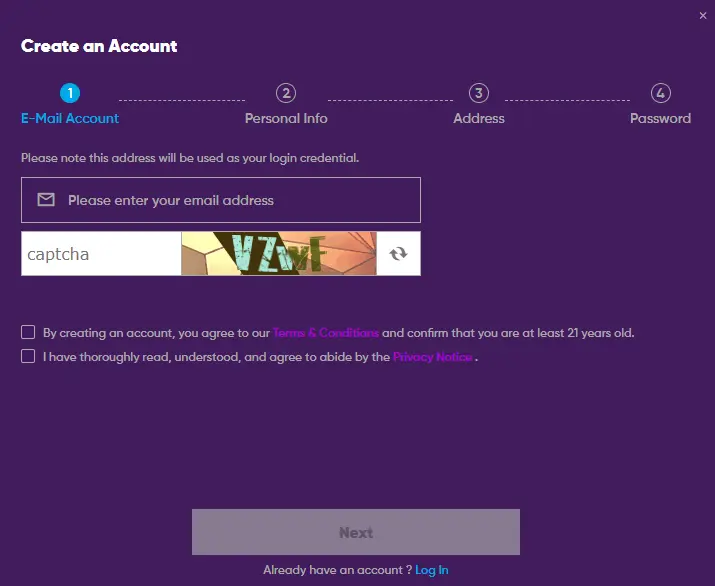
- Enter the credentials you chose at registration
- If your Emirates ID review hasn’t finished yet, wait for approval before trying the cashier
- Before your first deposit, open the account settings and set a deposit limit
- Allow the phone to remember the password behind a fingerprint or face scan
- Open the cashier and check which methods and limits apply to your account, all in dirhams
After that, each launch simply asks for your login if you’ve been signed out, followed by the usual location check.
When the door won’t open, suspect three things in this order, a location setting, a typo, then an ID review that hasn’t finished. The recovery link on the login screen handles forgotten passwords. For anything else, Play971’s support team is available around the clock through live chat and email, in English and Arabic.
Remember who the platform is for, adults of 21 or older who are within the country. An icon one tap away is convenient by design, which is exactly why limits belong on day one, with a time-out, self-exclusion or a Takalam counsellor ready if the fun ever drains away.